 CozyLife
CozyLife
CozyLife


Life in Numbers
What the Mod Adds
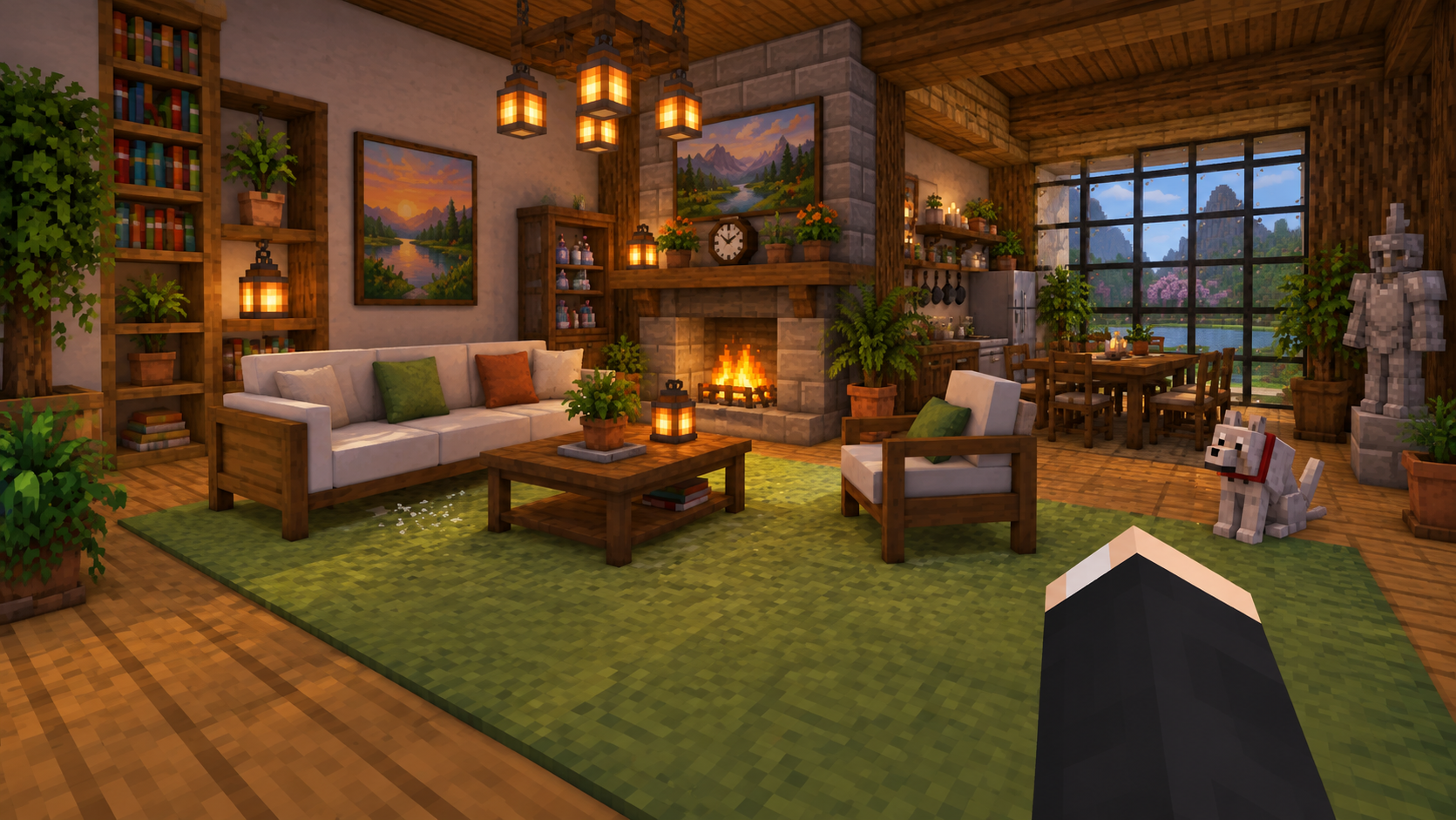
Paintings, rugs, curtains, and thousands of decorative items to personalize every room.
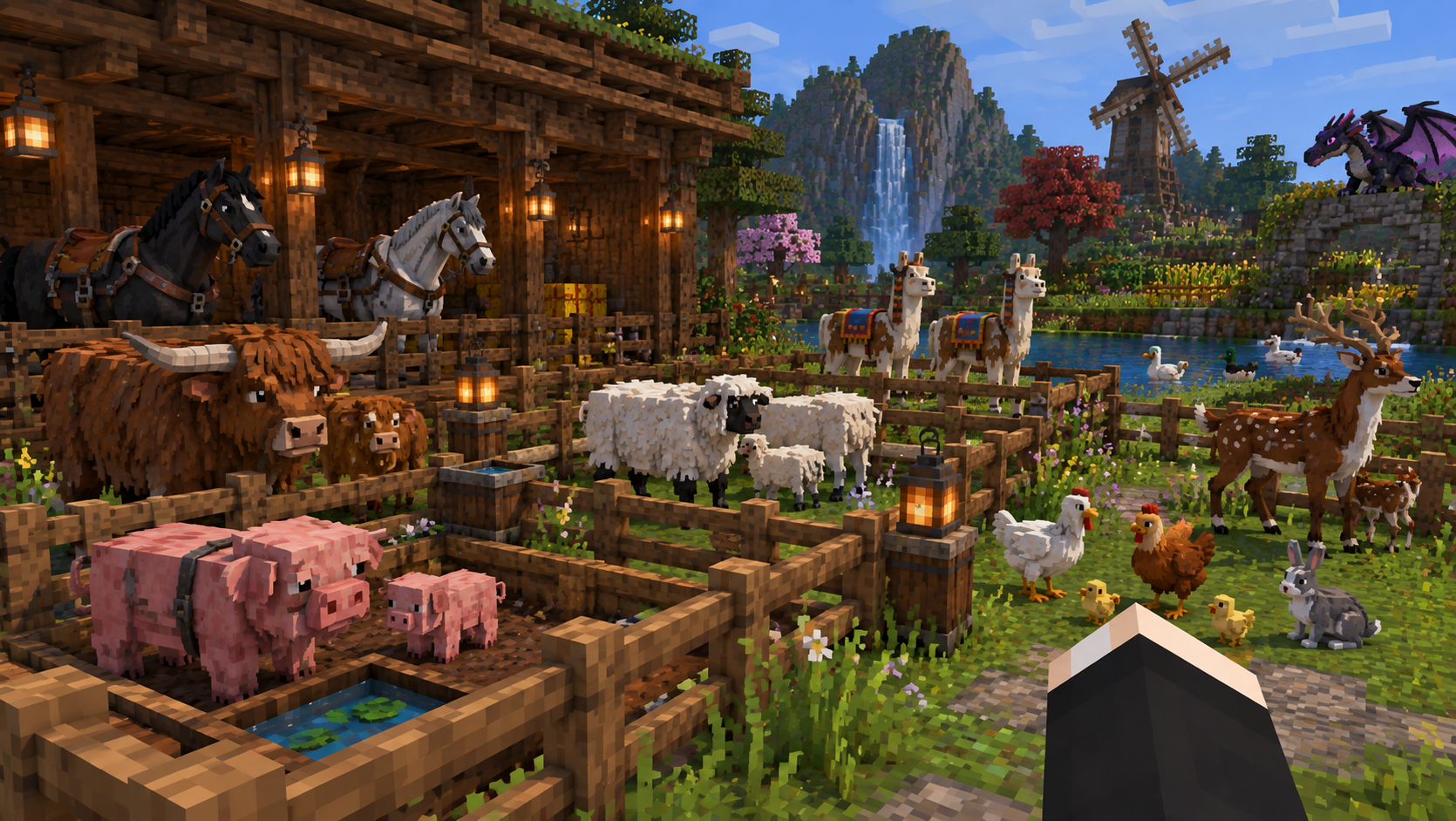
New adorable creatures and pets to accompany you on your adventures.
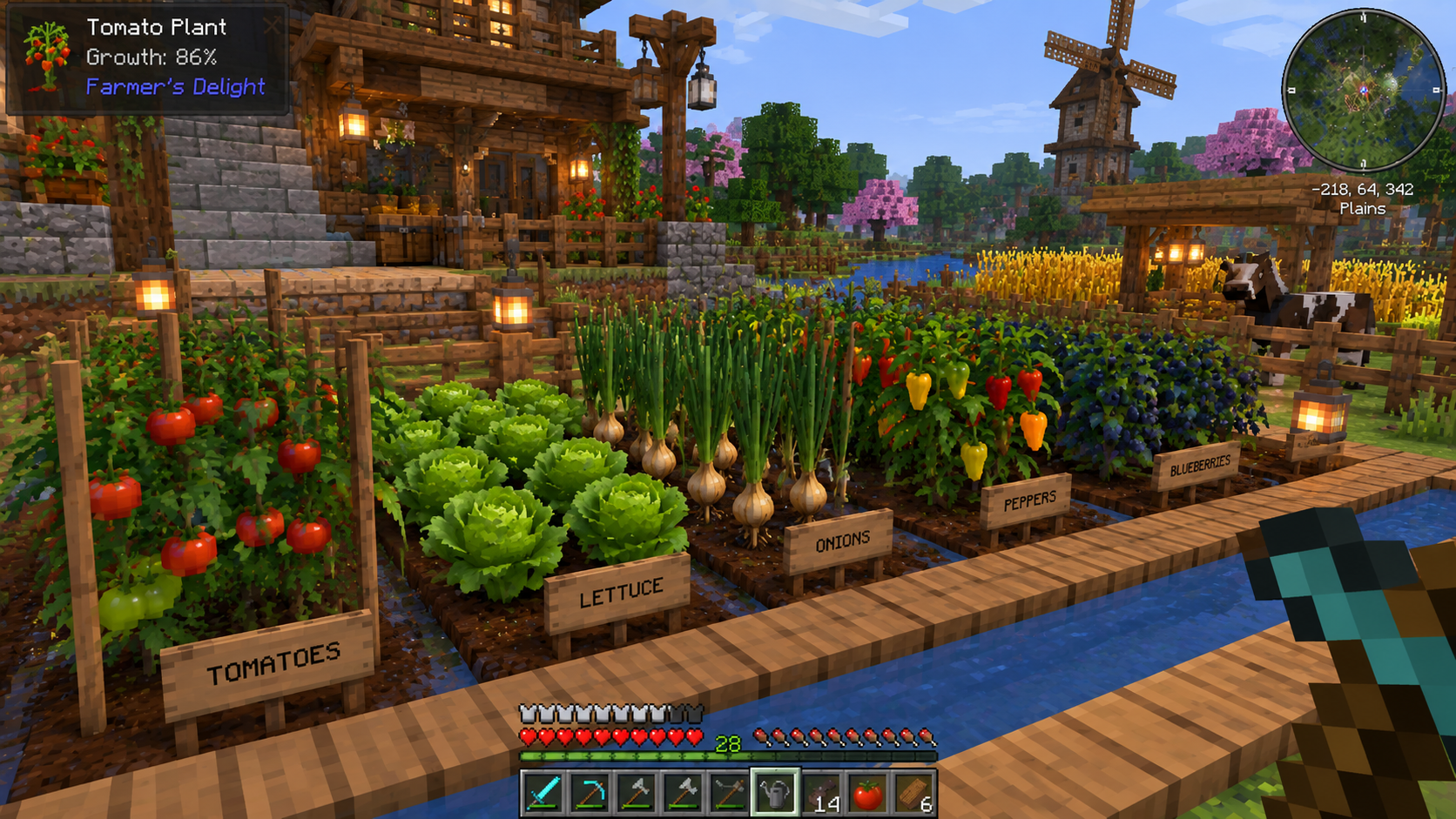
New crops, fences, and agricultural tools to create the perfect farm.
Flowers, bushes, and landscaping tools to create beautiful outdoor spaces.
New recipes, pots, and delicious foods to cook and enjoy.
Screenshot Gallery

Get Started
Download the Cozy Life Mod .zip from the download button above. It includes the mod and the Fabric installer for Minecraft 1.21.11.
Extract the .zip and run the Fabric installer. Select Minecraft 1.21.11 when prompted.
Place the Cozy Life Mod .jar file into your mods folder. Press Win+R and type %appdata%\.minecraft\mods.
Open the Minecraft Launcher, select the Fabric profile, and click Play. Make sure you have enough RAM allocated (4GB+ recommended).
Frequently Asked Questions
The Cozy Life Mod is designed for Minecraft 1.21.11 and works with the Fabric mod loader.
Yes, the mod is designed to be compatible with most other Fabric mods. However, always test in a new world first.
Yes, as long as the server is running Fabric and has the mod installed.
Yes, the Cozy Life Mod is completely free to download and use.